Thank you for your purchase! Here’s how to quickly get your Bitaxe Gamma up and running and start mining.
Connect the power supply:
Connect your Bitaxe to the power supply and plug it into the wall outlet. Wait a moment for the Bitaxe to boot up. a. If the fan is running but the display remains dark, unplug the power cable, carefully remove the display (it is held in place only by friction in the four pin holes), re-seat it firmly, and start again.
WiFi connection:
The Bitaxe will first attempt to connect to a WiFi network. If it fails, it will create its own configuration WiFi network named “Bitaxe_XXXX”. Connect to this network with your computer or smartphone. After connecting, a window will automatically open to launch the AxeOS web interface. If it doesn’t, open the IP address shown on the Bitaxe’s LCD display in your browser.
Network Settings:
In the web interface, go to the “Network” tab and enter the following: WiFi SSID: Your WiFi network name (e.g. yourwifiname) WiFi Password: Your WiFi password (e.g. yourwifipassword). Then click Save and Restart. The Bitaxe will connect to your WiFi. Open the Bitaxe web interface via the displayed IP address and go to the “Network” tab. There you can switch the connection to “Ethernet”. Make sure a network cable is connected, then click Save and Restart again. The Bitaxe will reboot and connect via the network cable. The new IP address will be shown on the display as usual.
Monitoring and Mining:
You can monitor the status of your Bitaxe by entering the IP address shown on the LCD display into your browser. Additionally, you can monitor your worker’s hashrate through the web interface of your chosen mining pool. Note on performance: It may take some time for the ASIC chip to reach its full hashrate. Please be patient.
Mining-Pool selection:
You are free to choose whichever mining pool you prefer. Our recommendation: Host your own mining pool and mine directly to your own node, that is the best and original way. Alternatively, you can use a community-hosted pool, such as ours: pool.gobrrr.me. More information about Solo-Mining-Pools and Bitcoin Mining can be found in our Blog.
Conclusion
After completing the steps above, your Bitaxe Gamma is successfully set up. You can now start Bitcoin mining. Happy hashing
If you have any questions or issues, you can reach us via the contact form at the bottom of the page, or through social media.
Products by Category
-
![]()
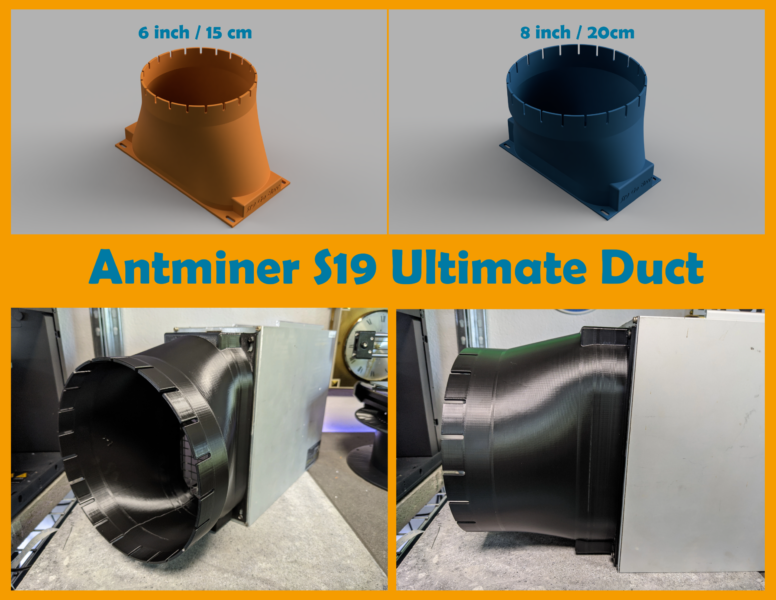
Antminer S19 – Ultimate Fan Duct
Price range: € 21,00 through € 24,00 inc. Vat -
![]()
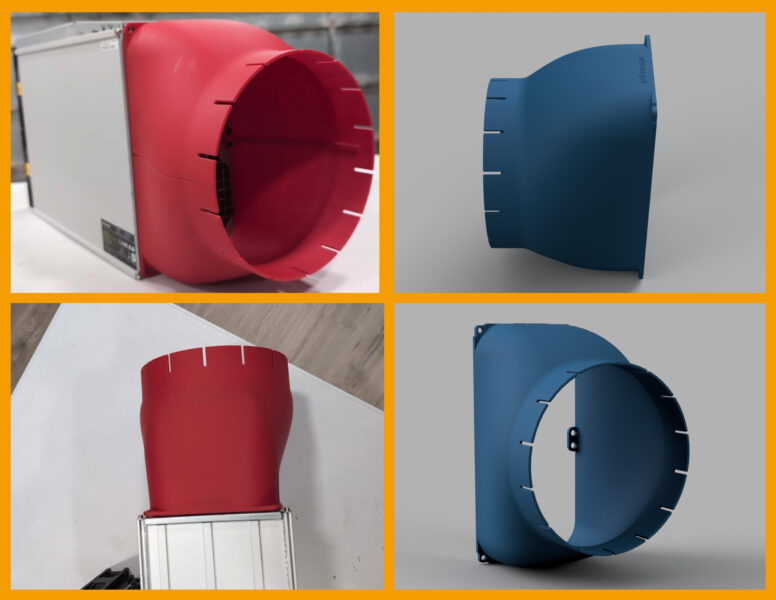
Antminer S21 Pro & S21 XP to 8inch / 200mm Duct
€ 48,00 inc. Vat -
![]()
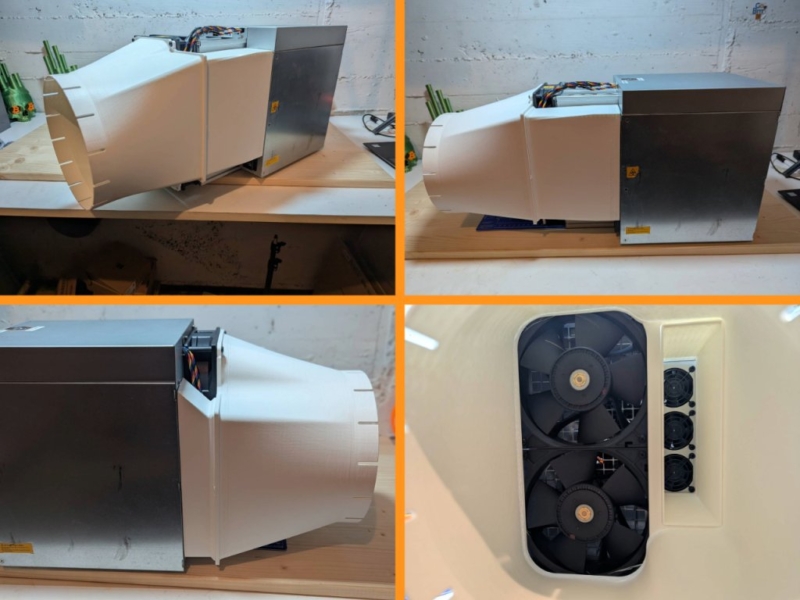
Antminer S21 Pro & S21 XP to 8inch / 20cm Duct (+PSU)
€ 69,00 inc. Vat -
![]()
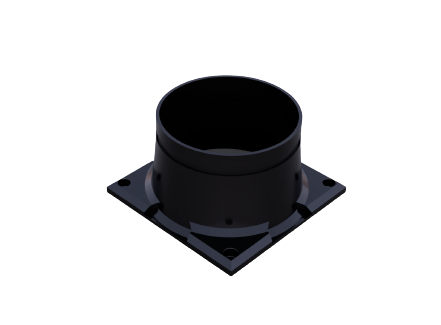
Antminer S9 fan duct
Price range: € 9,00 through € 16,00 inc. Vat -
![]()
Duct configurator
€ 54,00 inc. Vat -
![]()
StealthMiner Enclosure
€ 190,00 inc. Vat -
![]()
Whatsminer M30s (+PSU) fan duct
€ 24,00 inc. Vat -
Whatsminer M30s fan duct
Original price was: € 21,00.€ 17,00Current price is: € 17,00. inc. Vat